
WPML: Export Data in Multiple Languages
Overview
The WP Import Export plugin allows you to export multilingual content for the WPML plugin quickly and easily in just a few steps.
Step-by-Step Guide: Exporting WPML Content
Step 1: Start the Export Process
- Navigate to:
YOUR_SITE => WP Import Export => New Export
Step 2: Select What to Export
- Choose the specific content types you want to export.
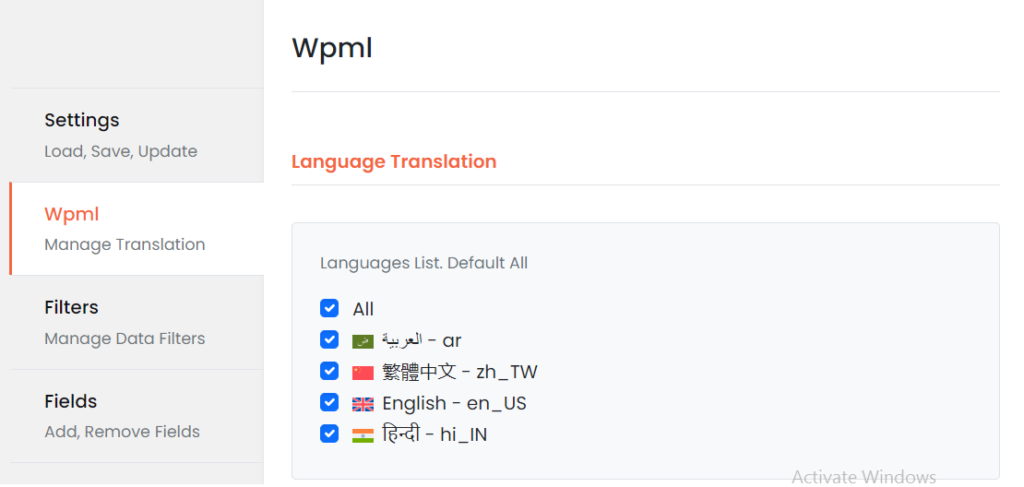
Step 3: Go to the WPML menu Section
- Scroll to the WPML menu section on the same page. choose the languages for export. defualt all language.
Step 5: Click on Top Right Export Button.