
Field Mapping Guide
Overview
Field Mapping is used when the value you need to import to your site differs from the value in your file.
Notes :
⭐ Starred fields are important for creating new items, but you can leave them blank if you don’t have data.
⚠️ Only enabled fields will be added or updated during the importing process.
✅ Feel free to leave any data unchanged. the plugin will use the default data provided by WordPress.
✅ Certain fields are automatically detected and mapped by the plugin. You can turn off these fields if you do not wish to update them.
✅ If the file is exported using the same plugin, all fields will be automatically mapped.
✅ If you’re using a custom file, the plugin auto-maps certain fields, while others must be mapped manually
What is Add / Update Items ?
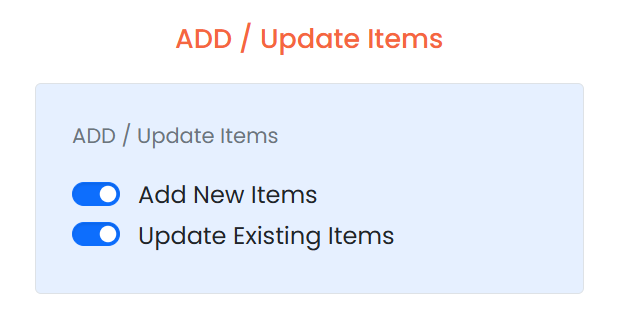
For single option either Enabled / Disabled ,
- Add New Items : Only this option, new records are imported, while existing records are skipped.
- Update Existing Items : Only this option, existing records are updated, while new records are skipped.
NOTE :
- If both options are either Enabled / Disabled , new records are imported, and existing records are updated.
- Default : both are Enabled